


![CrosshairVI [Legacy]](https://img.gta5-mods.com/q75-w500-h333-cfill/images/crosshairvi/1c33e5-CrosshairVI_Thumbnail.png "CrosshairVI [Legacy]")

5,072,687
4,385
-
 July 23, 2026
I've been releasing updates on GTAForums for a while now, but due to multiple requests - I'm going to put the changes here as well as in the ENT thread on GTAForums
This is built on Enhanced Native Trainer update 28 (so your previous database file and config will work with this).
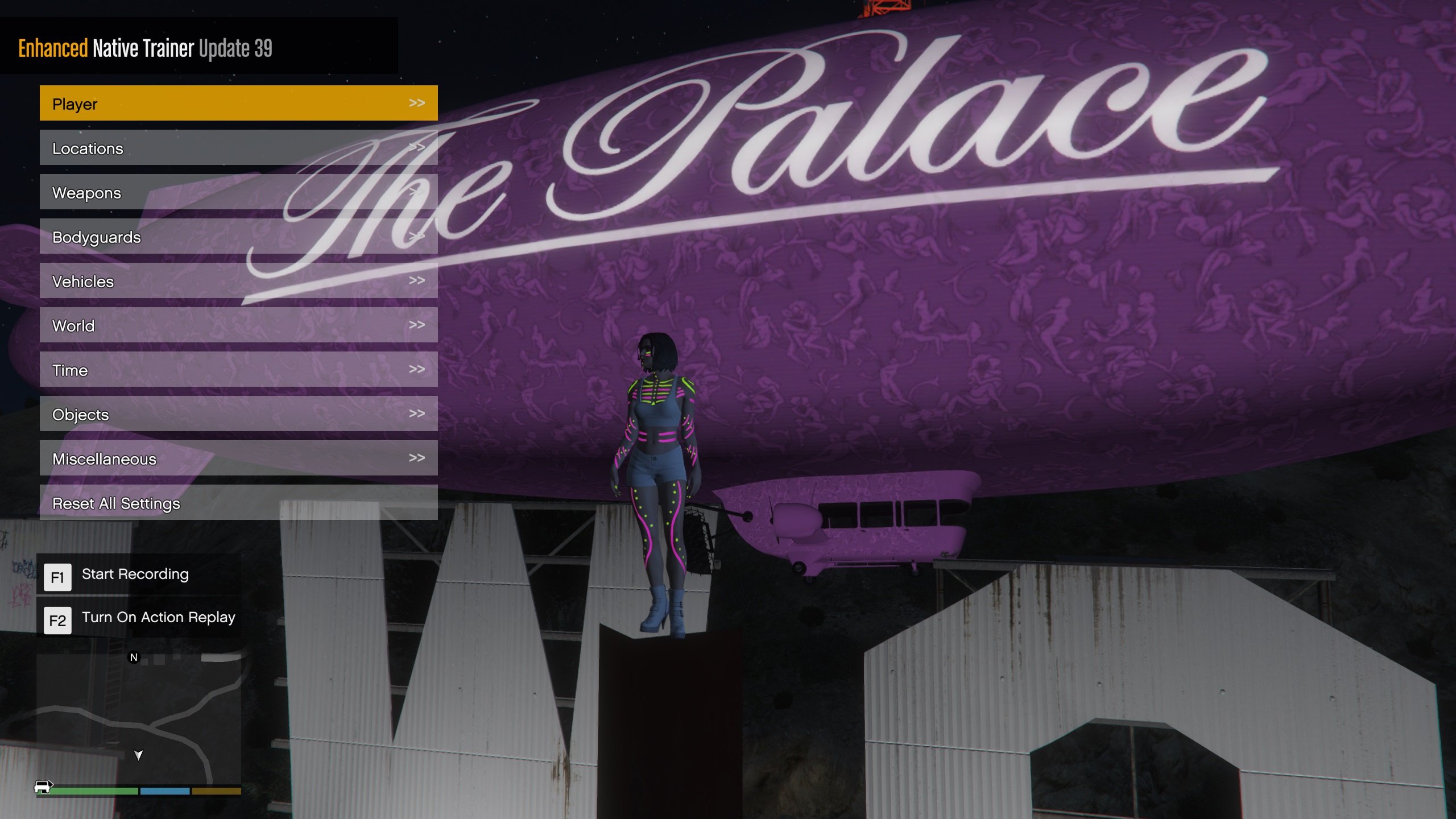
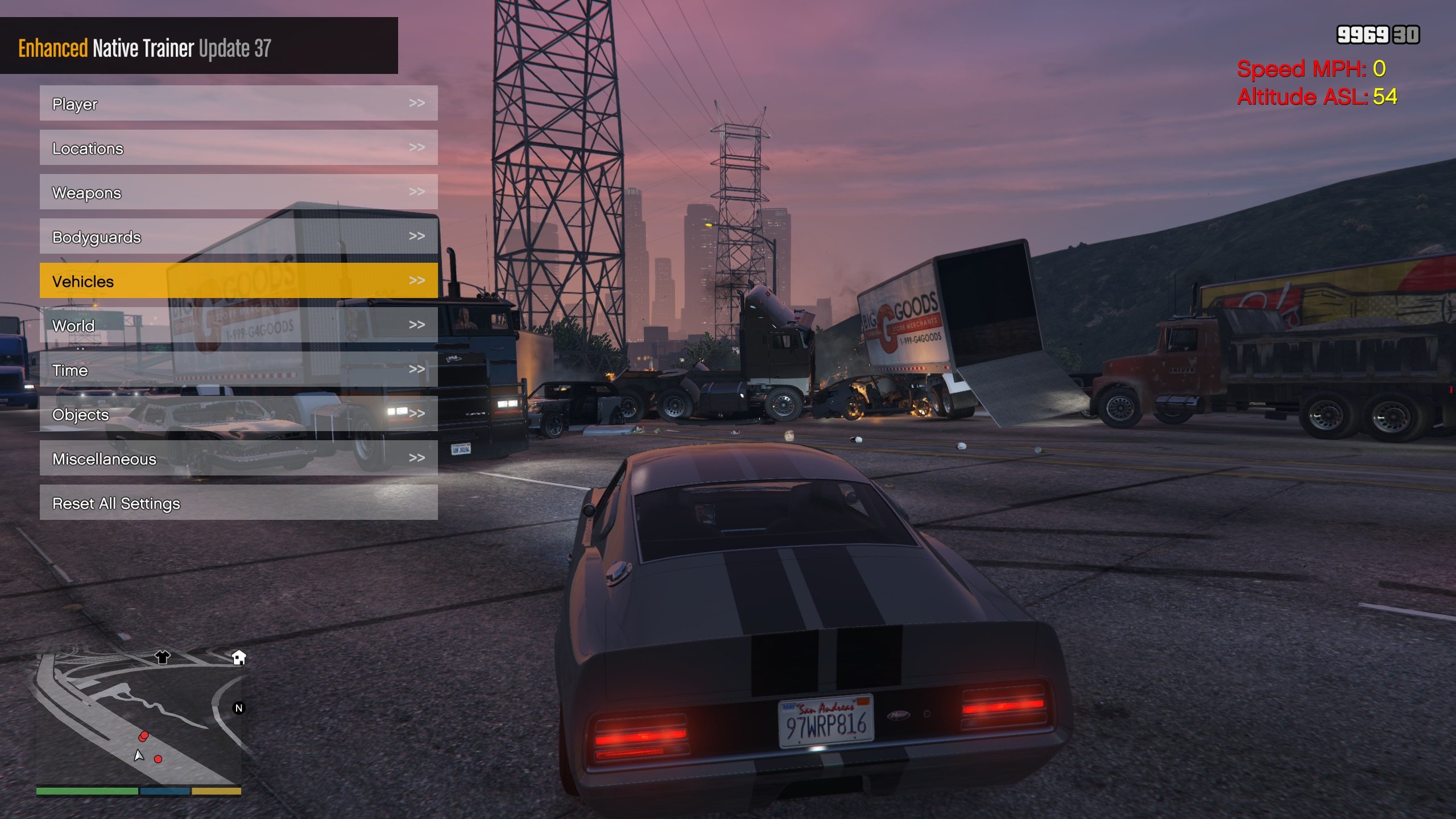
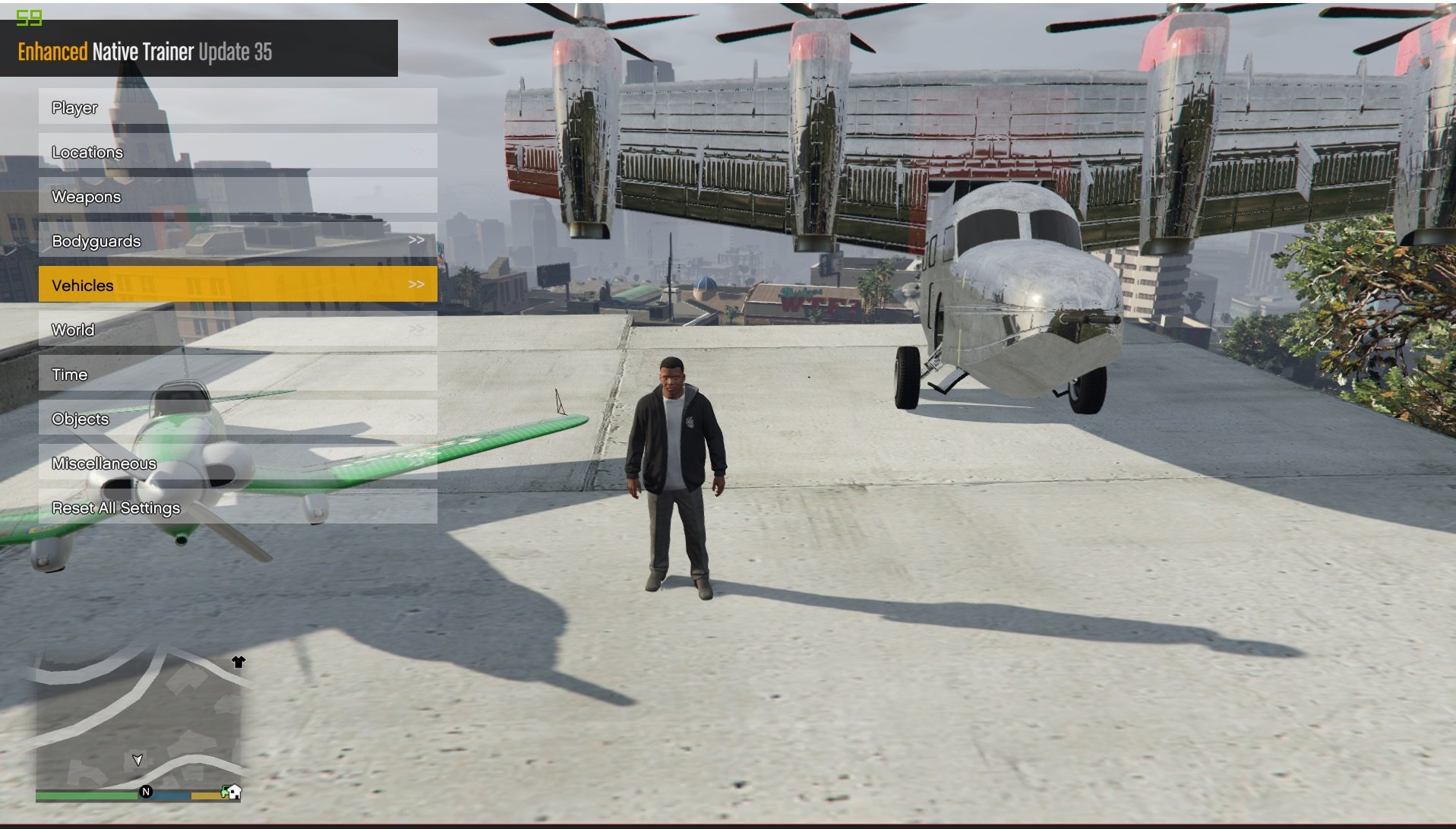
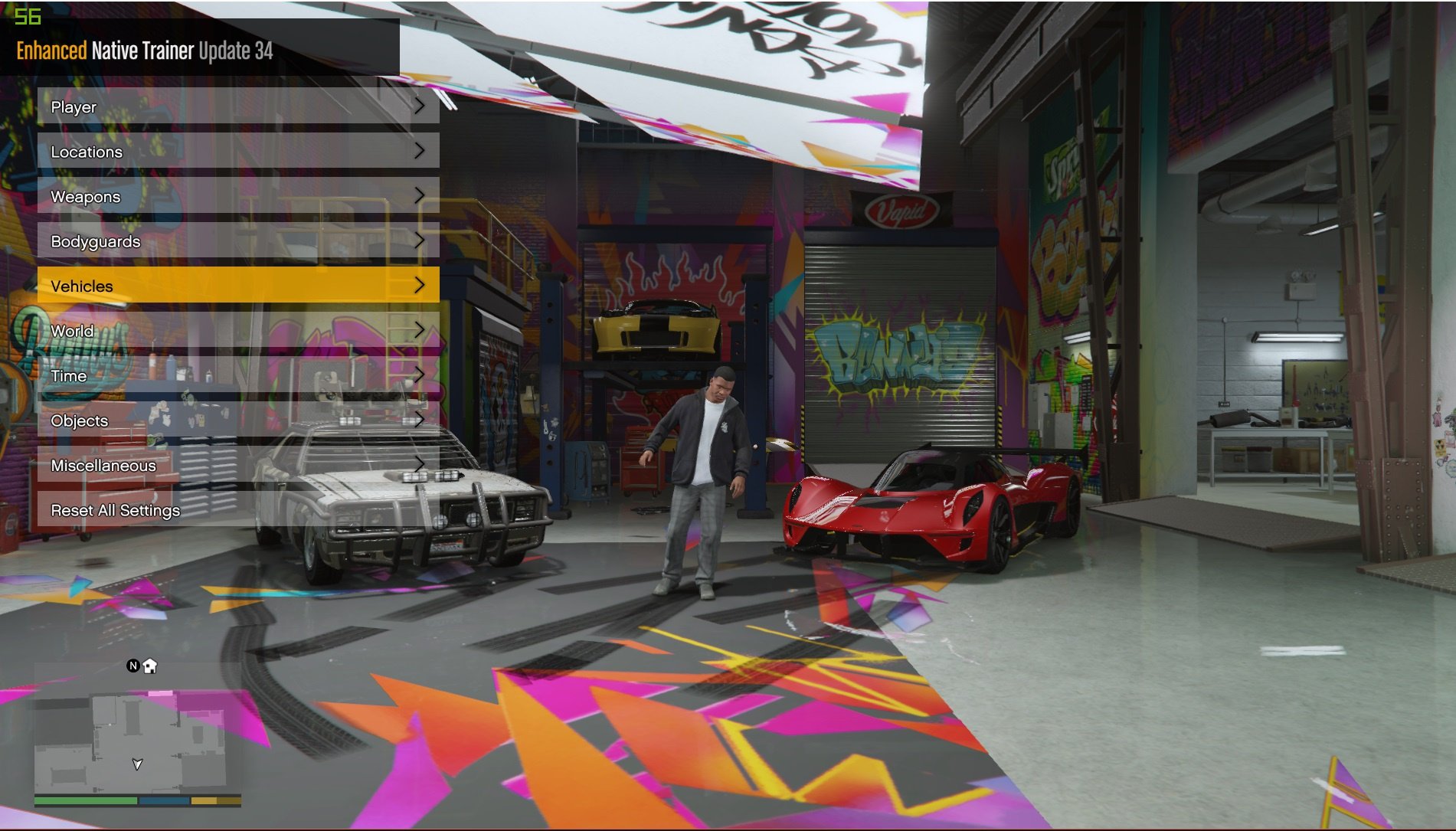
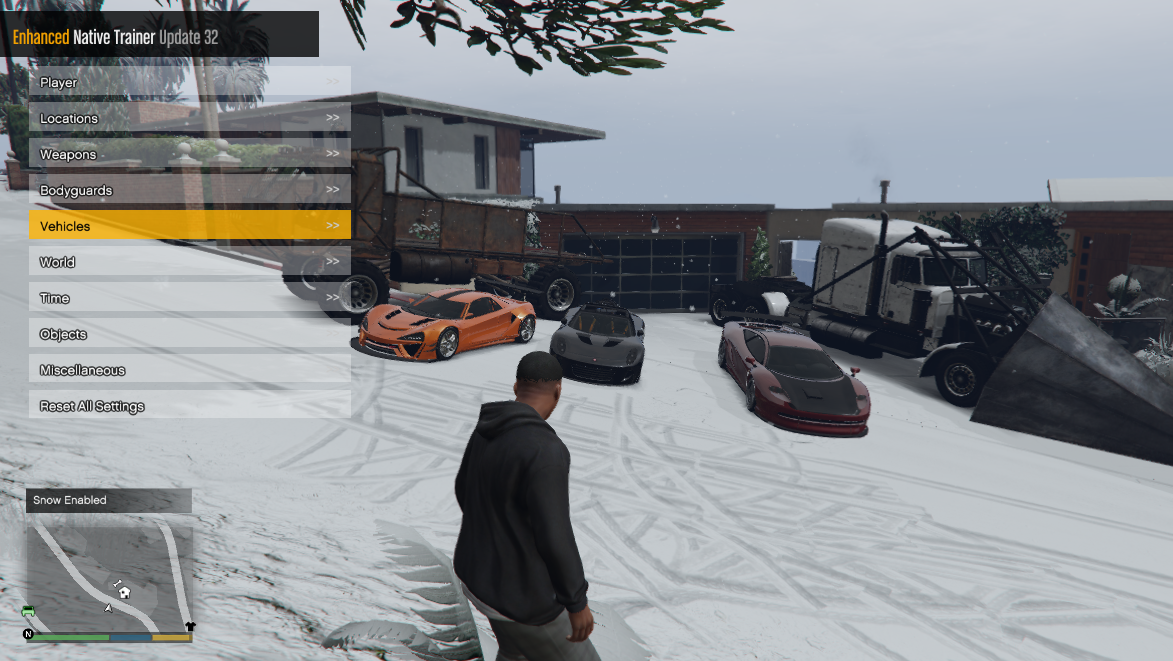
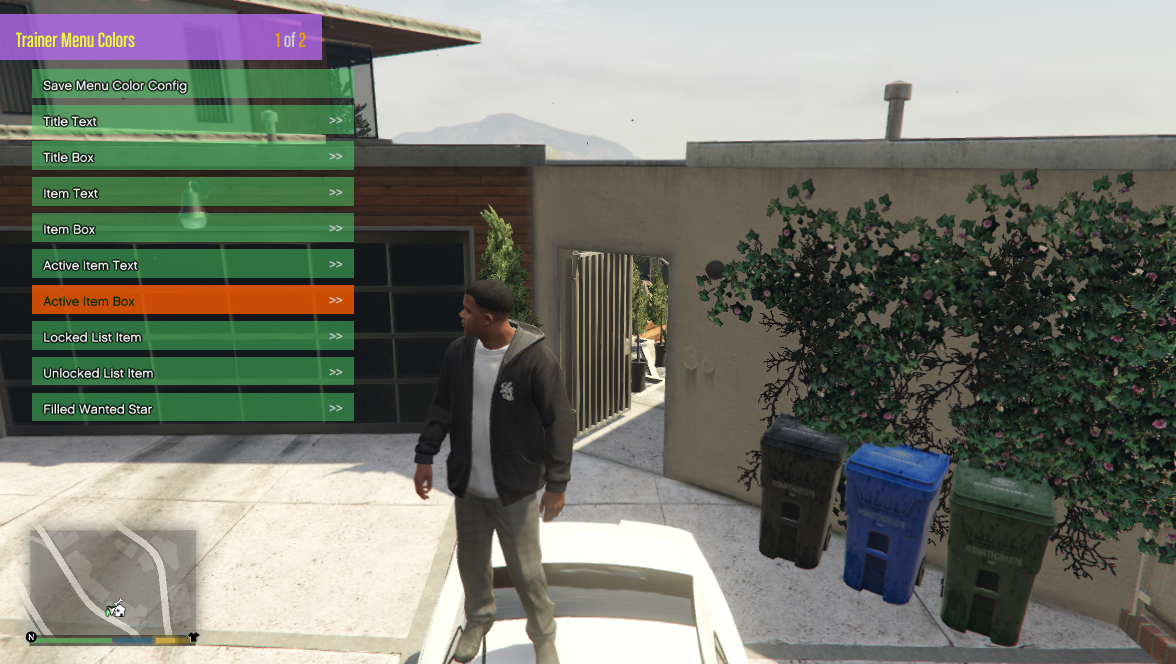
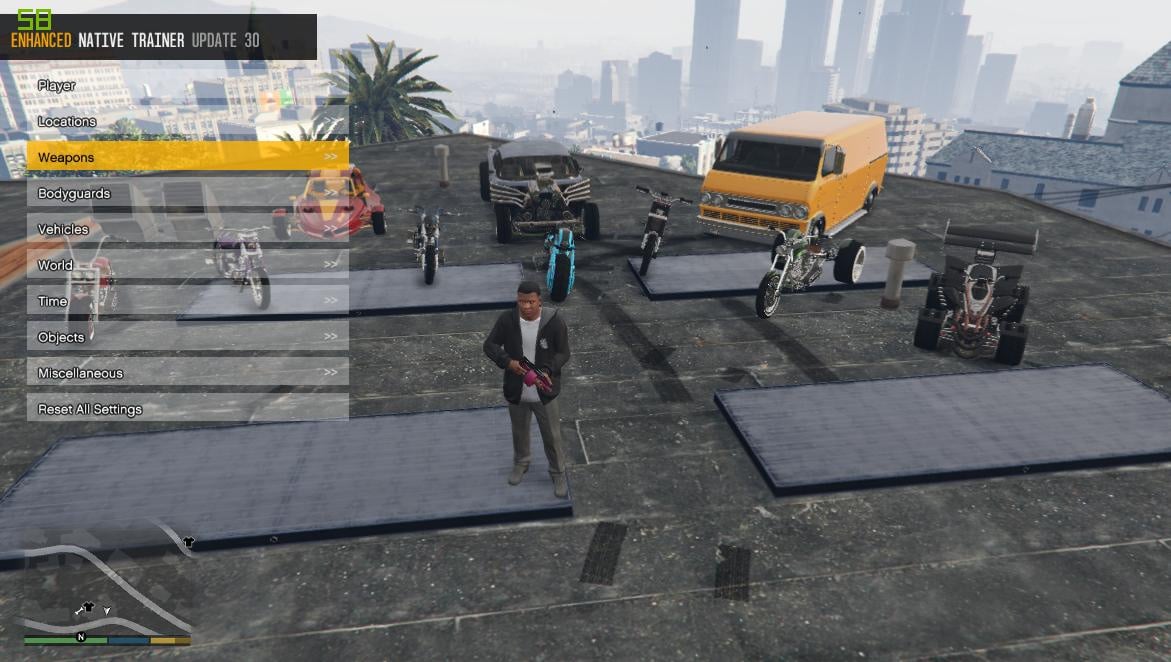
Notable features include:
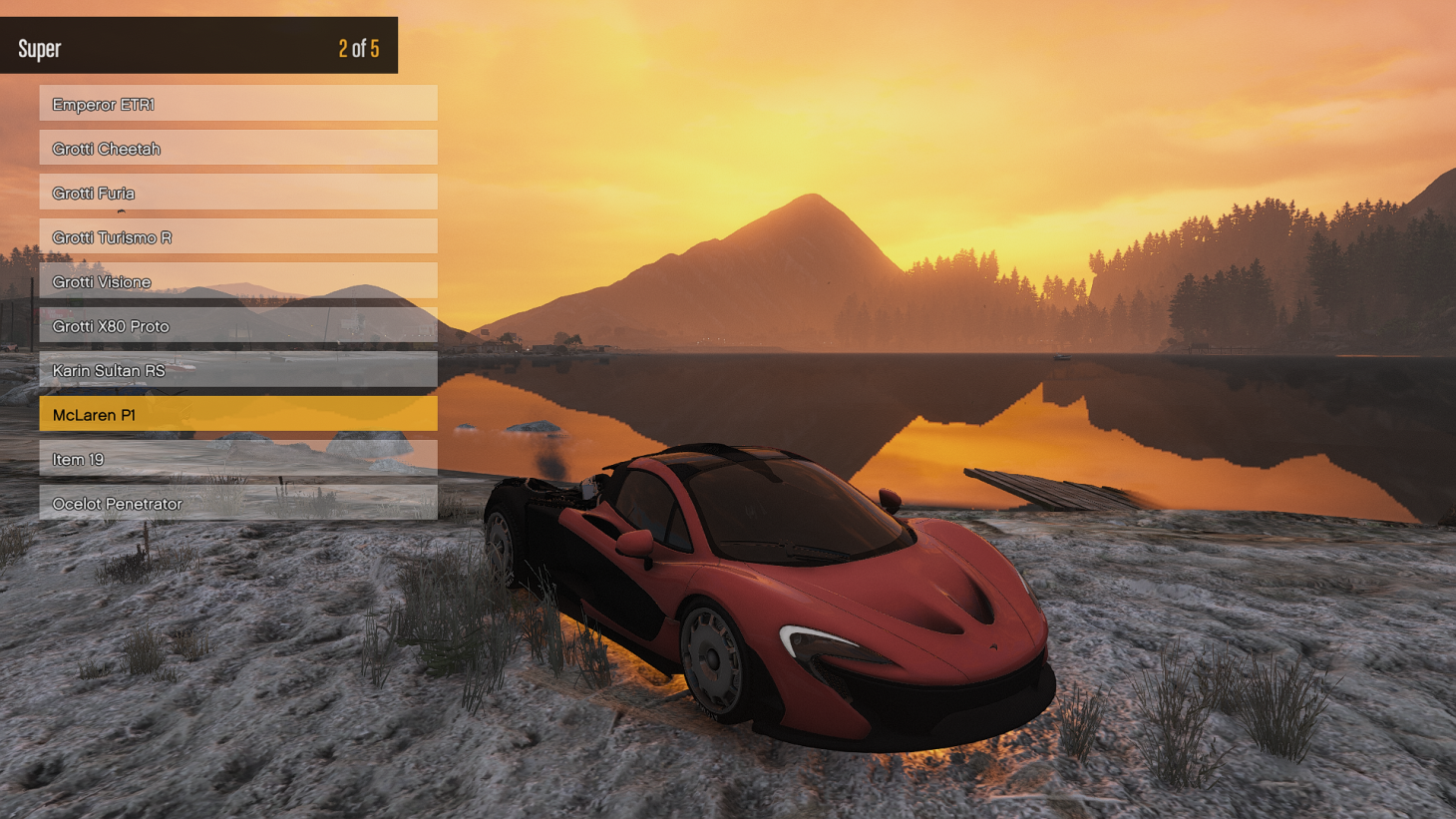
- Skin customiser
- Vehicle customiser
- Weapon customiser
- Organised & extra vehicles
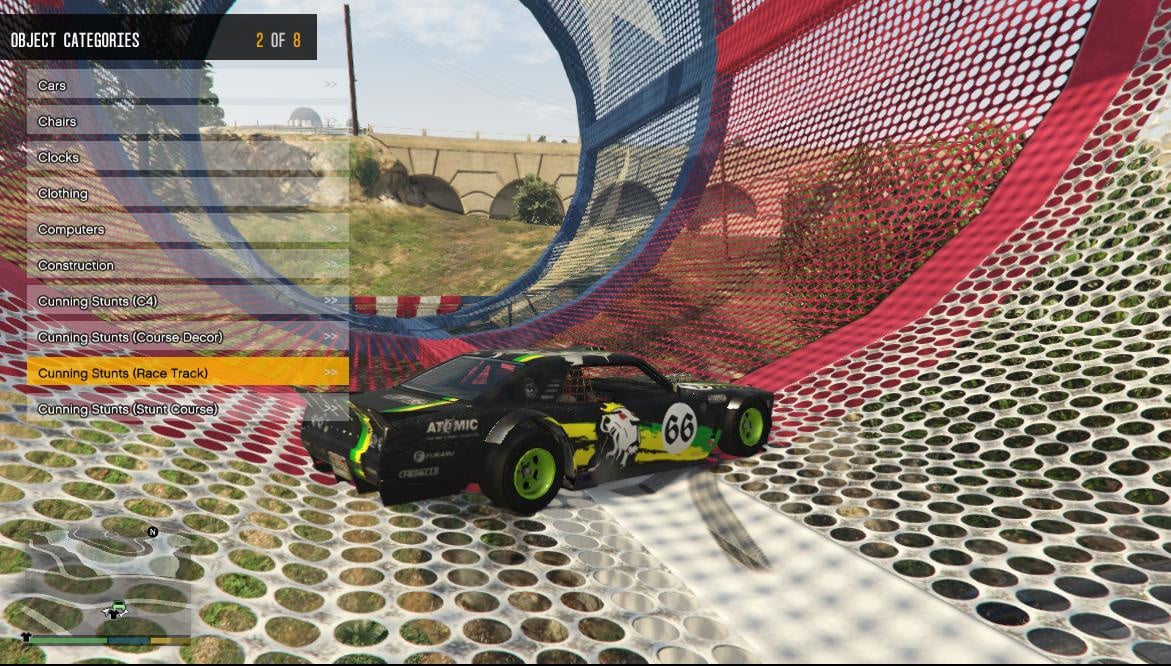
- Organised & extra teleport locations
- Ability to save vehicles & skins
- Many additional general options
- Saves/restores settings across multiple uses
- Controller support
For installation details and keys/controls, and what's new in each release, please read the document in the ZIP.
This will tell you, for example, that by default, game controls are disabled whilst in the menu, but that you can turn this off in Miscellaneous > Trainer Options. See, useful.
You can redefine the keys using the supplied XML, which should be placed in the game directory.
Known Issues:
- Reshade 1.1 will crash your game if you run ENT alongside it. I'm told Redux works fine however. It's way above my head, so not something I can fix.
I've included the original thread as I (and others) still use it to test builds and give feedback on them.
How to use the Hotkey functionality (Tutorial courtesy of Slash Alex):
Due to formatting problems (Xml code not showing up) - this is a link to tutorial instead:
https://pastebin.com/80qQzDx6
-------------------
Source: https://github.com/FIying-Scotsman/GTAV-EnhancedNativeTrainer
First Uploaded: October 08, 2016
Last Updated: August 07, 2026
Last Downloaded: 3 minutes ago
All Versions
13,032 Comments
I've been releasing updates on GTAForums for a while now, but due to multiple requests - I'm going to put the changes here as well as in the ENT thread on GTAForums
This is built on Enhanced Native Trainer update 28 (so your previous database file and config will work with this).
Notable features include:
- Skin customiser
- Vehicle customiser
- Weapon customiser
- Organised & extra vehicles
- Organised & extra teleport locations
- Ability to save vehicles & skins
- Many additional general options
- Saves/restores settings across multiple uses
- Controller support
For installation details and keys/controls, and what's new in each release, please read the document in the ZIP.
This will tell you, for example, that by default, game controls are disabled whilst in the menu, but that you can turn this off in Miscellaneous > Trainer Options. See, useful.
You can redefine the keys using the supplied XML, which should be placed in the game directory.
Known Issues:
- Reshade 1.1 will crash your game if you run ENT alongside it. I'm told Redux works fine however. It's way above my head, so not something I can fix.
I've included the original thread as I (and others) still use it to test builds and give feedback on them.
How to use the Hotkey functionality (Tutorial courtesy of Slash Alex):
Due to formatting problems (Xml code not showing up) - this is a link to tutorial instead:
https://pastebin.com/80qQzDx6
-------------------
Source: https://github.com/FIying-Scotsman/GTAV-EnhancedNativeTrainer
First Uploaded: October 08, 2016
Last Updated: August 07, 2026
Last Downloaded: 3 minutes ago
-

Great trainer so far! It was definitely less of a headache to configure than Simple Trainer. The only issue I'm having is with the menu keys. I changed the navigation to the arrow keys, which works perfectly. However, I also bound menu_select to the Return key. It works, but in-game it randomly triggers a double input, causing me to accidentally select unwanted actions. It doesn't happen every time, which is the confusing part—it feels pretty random. Has anyone else experienced this issue? Could it be a double keybinding conflict, or is it a known bug with the Return key? Any help would be appreciated!
September 16, 2026 -
@M4D_MAXX_
I've not had a similar issue before other than my keyboard eating the input randomly. It does sound like a double input issue. Does it do it if you bind it to something like the enter key on a numpad?September 17, 2026 -
@IreBurn They should only appear when the option is enabled (then disabled) so I'm not sure why they would be appearing on load other than you're using an older ENT version where it was a problem. A few options do this on purpose to tell you the key binds etc (like the gravity gun).
September 17, 2026 -
-
-
@Artem530402015
If it did I wouldn't have an account (because it would be banned) - the file is checked before it's made public and it's not obfuscated etc. It's very likely a false positive as most mods/cheats/DLLs are on here.September 19, 2026 -
-
@Zemanez Does this have an option to disable the stunt jump camera?
@postmortemmd Yes.
September 22, 2026 -
-
@Slash_Alex I want to keep the stunt jumps though since I haven't done all of them yet.
September 23, 2026 -
@Zemanez scammers could easily have hacked this page and planted a Trojan there. I don't know how it is right now, but there used to be a dangerous Trojan embedded in ENT
September 27, 2026 -
-

I have the latest version of ScriptHook V, but the trainer crashes when I spawn a bodyguard.
8 days ago -
@Artem530402015
There was, yes unfortunately but that was due to an exploit in the site which affected other popular mods. Thankfully that didn't involve my account being compromised and the poisoned upload was deleted.Would be good if the site added a feature which showed you who uploaded the file as the previous malicious one was uploaded on the backend and not through my account.
8 days ago -
@JCol1996
I want to say yes as I remember there being an option ages back for changing the projectile but it's also been a long time. I know it would not have been removed however.The vehicles which have weapons in GTAO should still have them however (like the Deluxo) and you can modify planes to include the Smuggler DLC weapons (like flares etc) but some of the weapons don't work due to them being controlled by scripts in GTAO.
8 days ago -
@Zemanez i think you misunderstand. I am not asking about the vehicle weapons. I am asking about the option that allowed you to shoot rockets from your vehicle when pressing numpad+. I know the versions for legacy had it a while ago but I am not finding it in the latest version. The configuration file still has the setting to change the key but the actual menu does not have the option as as far as I can see. Was it removed or am I just missing it somehow?
7 days ago -
-
-
-
 5mods on Discord

Enhanced Native Trainer: Update 58.0
This is the final major release for Enhanced Native Trainer. It covers a lot of features requested over the years (and we wanted to implement) but just weren't possible without re-writing how ENT functions. Documentation is available on the GitHub - how translations work, adding preview images and new options including script hooking etc.
ENT should be a lot easier to maintain going forward for those willing to take the torch onwards.
A thanks from myself and @Slash_Alex to all those who've stuck with ENT for this long and for those who have contributed to it over the years.
------
This is the largest release to date:
- GTA V Enhanced support
- A full rework of interior customisation
- MK2 weapon fixes
- A live weapon preview camera
- Controller overhauls
- Full translation support for menu items
- Rebuilt vehicle spawner/preview system
- Script hooking/modifying support (thanks to Yimmenu)
- ENT-RESET support for those crashing on start up due to settings conflict.
On top of a lot of reliability fixes on existing features and some overall backend changes to make it easier for other people to maintain & expand on.
Full changelog on the GitHub because it's too big for this box: https://github.com/FIying-Scotsman/GTAV-EnhancedNativeTrainer/releases#release-58.0
*Note:* some preview images are reused but with the new system preview images can be submitted to the GitHub independent of an ENT update - just copy them into the "previews" folder.